 by
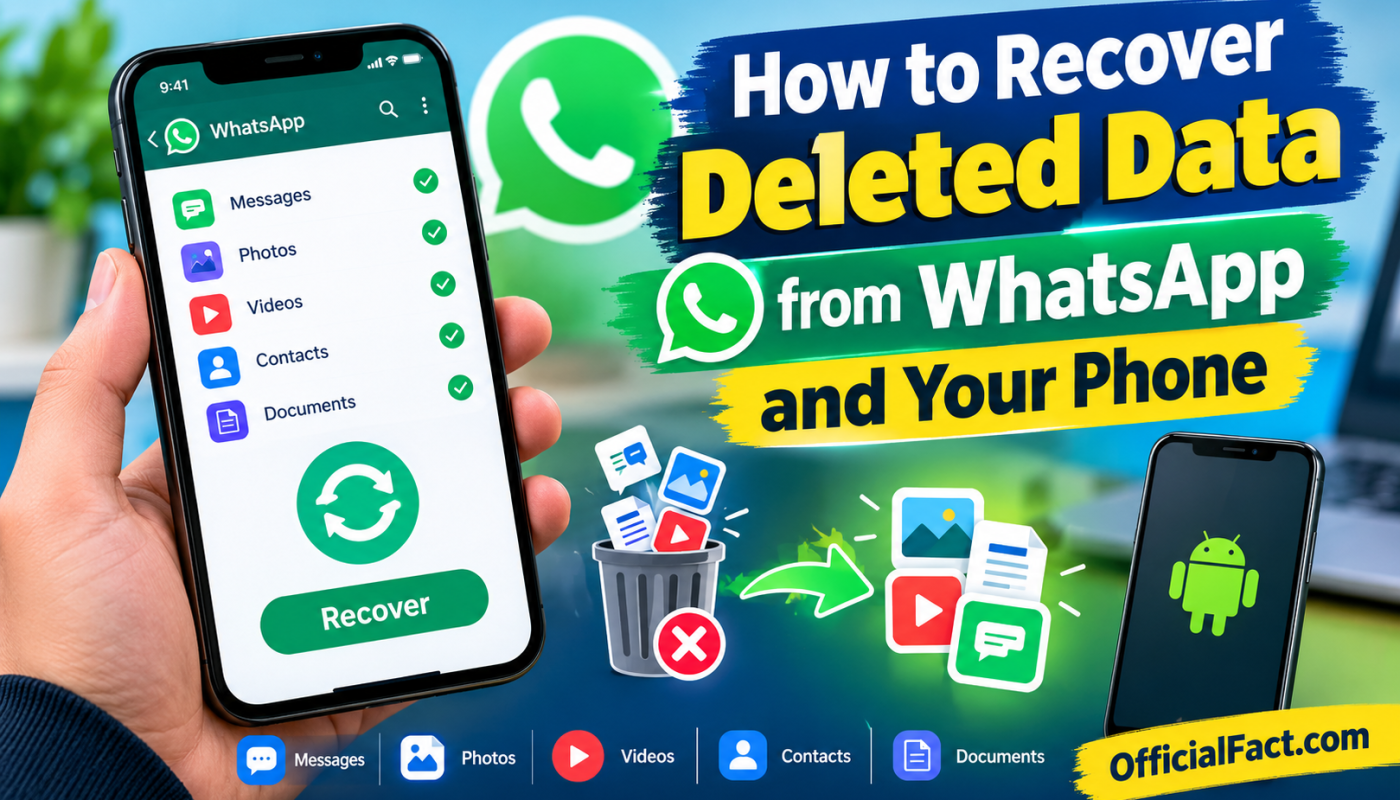
by Accidentally deleting important WhatsApp messages, photos, videos, documents, or other files from your phone can be stressful. The good news is that deleted data is not always lost permanently. Depending on how the data was deleted and whether a backup was available, you may have several options to recover it.
WhatsApp provides backup features that can help restore chats and media, while modern Android phones may also keep deleted photos and files in temporary trash folders. Cloud services such as Google Photos can also be useful when recovering deleted pictures and videos.
In this guide, we will explain how to recover deleted data from WhatsApp and your phone using safe and practical methods. We will also discuss what you should do immediately after deleting important data and why some recovery apps cannot guarantee successful recovery.
Can Deleted WhatsApp Data Be Recovered?
Yes, deleted WhatsApp data can sometimes be recovered, but there is no universal method that works in every situation.
The easiest recovery method is usually restoring an existing WhatsApp backup. If WhatsApp created a backup before the messages or media were deleted, restoring that backup may bring the older data back.
For phone files, recovery depends on where the files were stored. Photos might still be available in a Gallery or Google Photos trash folder. Documents could be located in a file manager’s trash or another cloud backup.
However, if a file was permanently deleted and no backup or trash copy exists, recovery becomes much more difficult.
Why Recovery Is Not Always Possible
When you delete a file, the operating system may eventually reuse the storage space occupied by that file. New photos, videos, applications, downloads, and other data can overwrite the old information.
This is why acting quickly is important.
If you accidentally delete something important, avoid downloading large files or recording lots of new videos until you determine whether a backup or temporary copy exists.
How to Recover Deleted WhatsApp Messages
The first method to try is WhatsApp’s built-in backup system.
WhatsApp can back up chat history and certain media depending on your settings. On Android, backups can be associated with your Google account, while iPhone users generally use iCloud for WhatsApp backups.
Step 1: Check Your WhatsApp Backup
Before uninstalling WhatsApp or changing anything, check whether a recent backup exists.
Open WhatsApp and go to:
Settings → Chats → Chat backup
Look at the date and time of the latest backup.
If the backup was created before the data was deleted, there may be a good chance that the older information can be restored.
If the backup was created after you deleted the messages, the deleted content may already be missing from that backup.
Important Tip
Do not immediately create a new backup after accidentally deleting important conversations. A newer backup could replace an older backup that contained the information you wanted to recover.
How to Restore WhatsApp Chat Backup
If you have confirmed that an appropriate backup exists, you can reinstall WhatsApp and restore the backup during setup.
First, make sure you know the phone number associated with the WhatsApp account and that you can access the Google or Apple account used for the backup.
Then:
- Uninstall WhatsApp from your phone.
- Reinstall WhatsApp from the official app store.
- Open WhatsApp and verify your phone number.
- Allow WhatsApp to detect the available backup.
- Select the restore option when prompted.
- Wait for the restoration process to finish.
- Allow media to download if WhatsApp provides that option.
The exact screens can vary depending on your phone, operating system, and WhatsApp version.
What Happens After Restoring WhatsApp?
Restoring an older backup can bring back the chat history contained in that backup. However, messages received after the backup date may not be included in the restored version.
For this reason, you should carefully consider the backup date before restoring it.
If your current WhatsApp contains newer conversations that you need, make sure you understand that restoring an older backup may replace the current local chat history.
How to Recover Deleted WhatsApp Photos and Videos
Sometimes a WhatsApp photo or video may appear to be deleted from a chat but still exist somewhere on your phone.
Start by checking your Gallery or Photos application.
Search folders such as:
- WhatsApp Images
- WhatsApp Video
- WhatsApp Documents
- Camera
- Downloads
The exact folder names depend on your device and Android version.
Check Google Photos
If your phone automatically backed up photos to Google Photos, the deleted image may still be available there.
Open Google Photos and check:
Collections → Trash
If the photo is still within the service’s retention period, you may be able to restore it.
Also check your main photo library because WhatsApp media may have been backed up even if it is no longer visible inside a WhatsApp conversation.
How to Recover Deleted Files on Android
WhatsApp is not the only place where important information can be deleted accidentally. You may also lose photos, videos, documents, audio recordings, PDFs, or downloaded files.
Before using a third-party recovery application, check the phone’s built-in options.
Check the Gallery Trash
Many Android phones provide a recently deleted or trash feature inside their Gallery application.
Open your Gallery and look for an option such as:
Trash, Recycle Bin, Recently Deleted, or Bin
If the deleted file is there, select it and choose Restore.
The retention period varies between devices and applications, so do not assume that every deleted file will remain available indefinitely.
Check Your File Manager
Some Android file managers also include a trash or recycle-bin feature.
Open your file manager and look for:
- Trash
- Recycle Bin
- Recently Deleted
- Bin
If the file is present, restore it to its original location or another folder.
Recover Deleted Photos Using Google Photos
Google Photos can be particularly helpful when recovering deleted pictures.
If backup was enabled before the photo was deleted, the original may still exist in your Google Photos library.
Open Google Photos and search by date, location, people, or other available categories.
If you cannot find the image, check the Trash folder.
Remember that permanently deleted items cannot always be restored. The availability period and options can change according to the service and account configuration.
Recover Deleted Data From a Phone Backup
Another option is to check whether your phone was backed up before the data disappeared.
Depending on your device, backups may include information such as:
- Contacts
- Photos
- Device settings
- Application data
- Messages
- Documents
- Other account information
However, not every backup contains every type of data.
Before restoring a complete device backup, carefully check what information it contains and what may be replaced during restoration.
Can WhatsApp Recovery Apps Recover Deleted Messages?
Many third-party applications claim that they can recover deleted WhatsApp messages or files. You should be careful with these apps.
A recovery application cannot magically retrieve every deleted file. Its success depends on factors such as the device, storage type, operating system, permissions, encryption, available backups, and whether the deleted information has been overwritten.
Some apps may also request extensive permissions that are unnecessary for their advertised purpose.
Be Careful With Recovery Apps
Before installing any recovery application, consider:
- Who developed the application?
- What permissions does it request?
- Does it require access to your messages or files?
- Does it have a clear privacy policy?
- Does it require payment before showing whether recovery is possible?
- Is it available through a reputable app store?
- Does it make unrealistic claims?
Avoid applications that promise guaranteed recovery of every deleted WhatsApp message.
How to Improve Your Chances of Data Recovery
If you have just deleted important information, take action carefully.
Stop Creating New Data
Avoid taking unnecessary photos and videos, downloading large files, or installing many applications.
New data can potentially overwrite storage areas that previously contained deleted information.
Check Backups First
Before using recovery software, check WhatsApp backups, Google Photos, cloud storage, your phone’s backup system, and other locations where the information might still exist.
Do Not Randomly Reset Your Phone
A factory reset can remove additional information and make recovery more difficult.
Do not reset your phone unless you have confirmed that you have a suitable backup and understand what will happen to the device.
How to Recover Deleted WhatsApp Chats Without a Backup
This is one of the most difficult situations.
If there is no WhatsApp backup, no cloud copy, no local copy, and the deleted information is no longer stored anywhere on the device, there may be no reliable way to recover it.
Some third-party tools may advertise advanced recovery capabilities, but their results are not guaranteed.
Modern smartphones use encryption and other security technologies that can make traditional undelete techniques much less effective than they were on older devices.
Therefore, it is better to focus on prevention rather than depending on recovery software.
Can You Recover WhatsApp Messages Deleted by Someone Else?
If another person uses WhatsApp’s delete features to remove a message from a conversation, you should not assume that a recovery application can reliably retrieve it.
There are legitimate notification-history features on some Android devices that may show notifications that were previously received, but these features have limitations and do not constitute a complete WhatsApp recovery system.
More importantly, you should respect other people’s privacy and only attempt to recover data from accounts and devices that you are authorized to access.
How to Prevent WhatsApp Data Loss in the Future
The best way to protect your WhatsApp data is to maintain regular backups.
Enable WhatsApp Backup
Open WhatsApp and go to:
Settings → Chats → Chat backup
Choose an appropriate backup frequency based on how important your conversations are.
If your WhatsApp settings provide options for including videos, decide whether you want that feature enabled. Videos can significantly increase the size of your backups.
Keep Your Cloud Account Accessible
A backup is only useful if you can access the account where it is stored.
Make sure you remember your Google or Apple account credentials and maintain access to the associated recovery methods.
Save Important Files Separately
For extremely important documents, photographs, or business conversations, do not rely on a single copy.
Keep important files in another secure location, such as a trusted cloud storage service, computer, or external storage device.
Frequently Asked Questions
Can I recover permanently deleted WhatsApp messages?
Sometimes, but only if another copy still exists. A WhatsApp backup, cloud copy, local copy, or another legitimate source may make recovery possible. If the data has been permanently deleted and no copy remains, recovery may not be possible.
Can deleted WhatsApp photos be recovered?
Yes, in some situations. Check WhatsApp backups, your Gallery’s Recently Deleted or Trash folder, Google Photos, and other backup locations.
Does uninstalling WhatsApp delete the backup?
Not necessarily. A cloud backup can remain associated with your account, but you should verify that a backup exists before uninstalling the application.
Are WhatsApp recovery apps safe?
Not all recovery applications are trustworthy. Review the developer, permissions, privacy policy, reputation, and download source before installing any application.
Can I recover deleted files without an app?
Yes. In many cases, you should first check built-in Trash or Recently Deleted folders, cloud backups, Google Photos, WhatsApp backups, and your phone’s backup system.
Final Thoughts
Learning how to recover deleted data from WhatsApp and your phone can save you from losing important conversations, photographs, videos, documents, and other files. The most reliable recovery options are usually the ones already provided by your phone, WhatsApp, and cloud backup services.
Start by checking backups and recently deleted folders before installing third-party recovery applications. If you have accidentally deleted something important, avoid creating lots of new data until you have checked your recovery options.
Most importantly, make regular backups before a problem occurs. A good backup strategy is much safer and more reliable than trying to recover permanently deleted information later.
By combining WhatsApp backups, phone-level backups, cloud photo storage, and careful file management, you can greatly reduce the risk of losing valuable data in the future.